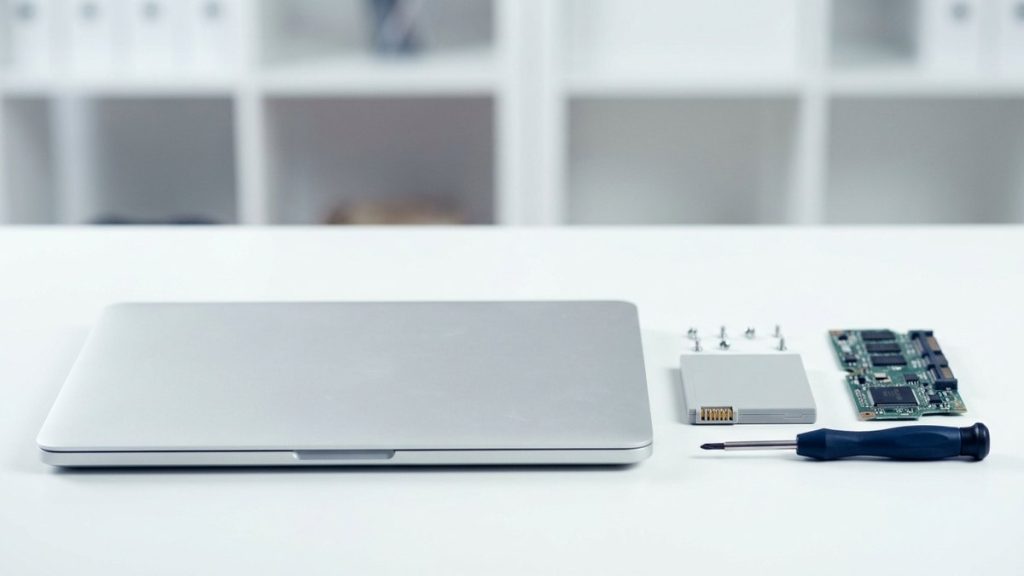
Are laptops classified as WEEE?
Yes. Laptops — including Chromebooks, ultrabooks, and MacBooks — are classified as Waste Electrical and Electronic Equipment (WEEE) under the WEEE Regulations 2013. This applies to businesses and households alike. Neither commercial nor household waste streams are permitted to accept WEEE.
Internal components, including the battery, screen, and any removable storage media, are also covered. If you are disposing of a laptop bag or power adapter at the same time, the charger and cable are WEEE too.
Why data wiping is non-negotiable
A laptop’s SSD or HDD may contain years of files, browser history, saved passwords, financial records, and personal correspondence. Standard deletion — emptying the recycle bin, or even performing a factory reset — does not reliably remove this data.
Under UK GDPR and the Data Protection Act 2018, organisations processing personal data are responsible for ensuring it is destroyed when no longer needed. The Information Commissioner’s Office (ICO) has published guidance on secure disposal, emphasising that responsibility does not pass to a recycler until data has been demonstrably destroyed.
For individual users: even if you are not subject to UK GDPR in a business capacity, identity theft is a real risk if personal data is accessible on a resold or donated device.
How to wipe a laptop before recycling
Option 1: Software overwrite
Use a tool that meets NIST 800-88 or HMG Infosec Standard 5. These write patterns of data across every storage sector, making recovery impractical with standard forensic tools. Many ITAD providers apply this process as part of their collection service.
Option 2: Factory reset with encryption
For modern laptops with full-disk encryption enabled (BitLocker on Windows, FileVault on macOS), a factory reset combined with encryption key destruction provides a strong level of protection. This method is less suitable for older machines that may not have been encrypted throughout their use.
Option 3: Physical destruction
If the drive has failed or the laptop was not encrypted, physical shredding of the storage media is the most reliable option. A certified recycler can arrange this and issue a destruction certificate.
For businesses, always request a data destruction certificate — documented proof that each device has been wiped or destroyed.
How to recycle a laptop: step by step
1. Back up your files
Transfer documents, photos, and application data to a new device or secure cloud storage before wiping.
2. Sign out of all accounts
Log out of email, cloud services, iCloud, Google, and any subscription services. On a Mac, deauthorise the device in iTunes and iCloud before wiping.
3. Remove peripheral accessories
Collect chargers, docking stations, and carrying cases. Chargers are WEEE; arrange their recycling separately or pass them to your ITAD provider at the same time.
4. Wipe the drive
Apply the appropriate method for your device, or arrange for your ITAD provider to handle erasure.
5. Choose a certified recycler
Look for ISO 14001 and ISO 27001 certifications, and registration as an authorised WEEE treatment facility with the Environment Agency. Ask for a Waste Transfer Note and destruction certificate.
6. Retain your documentation
Keep the Waste Transfer Note for at least two years. For business disposals, also keep the data destruction certificate.
Refurbishment versus recycling: which is better?
Where a laptop is still functional, refurbishment is preferable to material recycling. The waste hierarchy — established in UK law via the Environmental Protection Act 1990 and the revised Waste Framework Directive — places reuse above recycling. Refurbishing a laptop avoids the energy and resource cost of manufacturing a new device and extends the life of the materials already invested in it.
Recycle4Charity refurbishes working laptops and donates them to digitally-excluded Londoners — individuals and community organisations that cannot afford new equipment. Our laptop recycling service for London businesses includes free collection and full documentation.
What cannot go in the recycling bin
| Item | Can go in general waste? | WEEE? |
|---|---|---|
| Laptop | No | Yes |
| Charger / power brick | No | Yes |
| Laptop battery | No | Yes — also covered by Battery Regulations |
| Carrying case (no electronics) | Yes (if non-electronic) | No |
| USB drive | No | Yes |
Laptop batteries: a special note
Lithium-ion batteries, which power almost all modern laptops, are subject to the UK Battery Regulations 2008 as well as the WEEE Regulations. They must not be placed in general waste or incinerated. Most certified WEEE recyclers handle laptop batteries as part of the device, but check with your provider if the battery is removable and already separated.
Ready to recycle?
Recycle4Charity offers free collection of laptops from London businesses, with certified data destruction and full WEEE compliance documentation. Visit our laptop recycling page to book a collection.