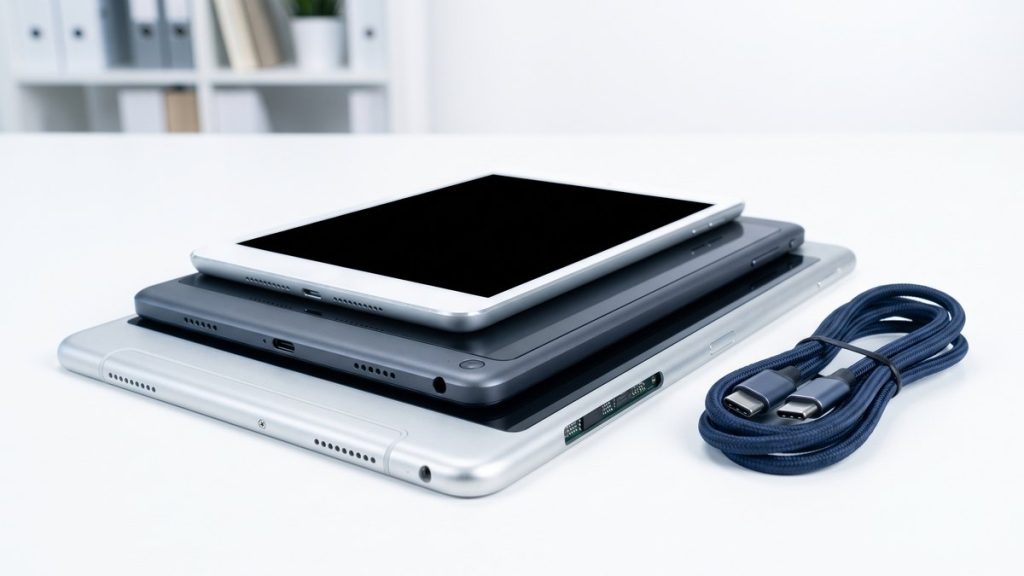
Why tablet disposal requires the same care as a laptop or phone
Tablets — iPads, Android tablets, Windows tablets, and e-readers with connectivity — are powerful devices that store significant amounts of personal and business data. Email, documents, app credentials, browsing history, photos, cloud service logins, and VPN configurations may all be present on a device used for work.
Unlike a desktop or laptop, tablets are often used more personally even in business contexts — browsing, communication, and app usage mix personal and organisational data in ways that make complete data removal essential before any device leaves your organisation.
Under UK GDPR and the Data Protection Act 2018, your organisation is responsible for all personal data on a device until it is demonstrably destroyed. This obligation does not pass to a recycler simply by handing over the device.
Step-by-step: how to recycle a tablet
1. Back up any data you need
Transfer documents, photos, and app data to another device or secure cloud storage. Check that the backup is complete and accessible before wiping.
2. Sign out of all accounts
This step is particularly important for:
– iPads: Remove the Apple ID and disable Find My iPad. If Find My is still active, Activation Lock will prevent the device being reused by anyone else.
– Android tablets: Remove the Google account to disable Factory Reset Protection (FRP). Sign out of Samsung, Huawei, or other manufacturer accounts if applicable.
– Business-managed devices: Unenrol the device from your mobile device management (MDM) system before wiping, or wipe via MDM and then unenrol.
3. Remove SIM and SD cards
If your tablet has a cellular SIM, remove it and retain it or destroy it separately. Remove any SD card if present — it may hold documents, photos, or downloaded files.
4. Perform a factory reset or certified erasure
On modern tablets with full-disk encryption enabled by default (all current iPads, Android tablets running Android 6 and later), a factory reset combined with encryption key destruction provides strong data protection for most purposes.
For business disposals involving sensitive data, use a certified ITAD provider that issues erasure certificates by device serial number. This provides auditable documented proof of destruction — the standard expected under UK GDPR.
5. Choose a certified WEEE recycler
Tablets are WEEE. Businesses must use an authorised WEEE treatment facility and obtain a Waste Transfer Note. Individuals can use council HWRCs or retailer take-back schemes.
Recycle4Charity collects tablets from London businesses and, where devices are functional and in good condition, refurbishes and donates them to digitally-excluded Londoners. Our mobile device recycling service covers tablets, phones, and other portable devices.
6. Retain documentation
Keep the Waste Transfer Note for at least two years. Keep the data destruction certificate for at least as long, and longer if your data governance policy requires it.
Can a tablet be donated rather than recycled?
Donation is strongly preferable where the device is still functional. A refurbished tablet can support a child’s education, help an elderly person stay connected, or enable someone to access job-seeking services and online banking that otherwise require a device they cannot afford.
As with any donation, the device’s drive must be fully wiped before the tablet leaves your organisation. Confirm this has been done to a documented standard — do not assume the recipient charity or scheme will do it for you.
For businesses, donating through a certified ITAD provider gives you both the data destruction certificate and the knowledge that the device has been assessed for quality before being passed on.
Comparing tablet disposal options
| Route | Data destruction | WEEE compliant | Documentation | Suitable for businesses? |
|---|---|---|---|---|
| Certified ITAD (e.g. Recycle4Charity) | Yes (certificate) | Yes | Waste Transfer Note + cert | Yes |
| MDM remote wipe + HWRC | MDM wipe only | Yes | None | Limited |
| Manufacturer trade-in | Sometimes | Yes | Variable | Sometimes |
| Retailer take-back | No | Yes | No | No |
| Council HWRC | No | Yes | No | No (household only) |
| General waste bin | No | No — illegal | None | No |
Business tablet disposals: mobile fleet considerations
For organisations running managed tablet fleets — iPads in education, Android tablets in field operations, Windows tablets in healthcare — disposal should be built into the mobile lifecycle management process. Key steps include:
- MDM unenrolment: Remove each device from your MDM platform (Jamf, Microsoft Intune, VMware Workspace ONE, etc.) before or as part of the wipe process.
- Licence deregistration: Deregister software licences (Microsoft 365, Adobe apps, etc.) tied to the device.
- Cellular contract management: Notify your mobile provider if the device has a data SIM on a corporate contract.
- Documentation: Record each device’s serial number and IMEI in the disposal inventory.
Aggregating a fleet of tablets into a single certified collection is far more efficient than dealing with devices individually. For phones and tablets being disposed of at the same time, see our article on how to recycle a phone for points specific to smartphone recycling.
What materials are recovered from recycled tablets?
Tablets contain a range of recoverable materials:
– Aluminium — used in premium tablet chassis (iPad, Surface), highly recyclable
– Lithium-ion battery — lithium, cobalt, nickel recovered through specialist battery processing
– Display glass and screen assembly — processed for glass and rare earth recovery
– Circuit boards — copper, gold, silver, and palladium recovered at specialist e-waste processors
Tablets also contain materials that require controlled handling: lead solder on circuit boards, brominated flame retardants in some plastics. These are handled within the licensed WEEE treatment stream.
Ready to recycle your business tablets?
Recycle4Charity provides certified tablet and mobile device recycling for London businesses — with free collection for qualifying volumes, certified data destruction, and full WEEE documentation. Visit our mobile device recycling page to book a collection or contact us for a quote.